Publish Anything, to Anyone, in Whatever Format They Speak

Media Router is the distribution half of the platform. It takes streams in over any common protocol and codec, publishes them back out in whatever the consumer requires, and sits as a boundary between your camera network and everyone who needs to watch, so each partner, portal, and mobile user gets exactly the feeds they are entitled to and nothing else.

Deployments run to 20,000 cameras and more, with health monitoring, alerting, and reporting across the estate.

Request Demo Read the Technical Brief
Multi-agency video operations
WINK Forge and Media Router are the core platform. Forge cleans up and transcodes what the cameras produce. Router decides who gets to see it.
Overview

What WINK Media Router Is

A proxy layer for camera video, built so that giving somebody access to a feed never means giving them access to the network the camera lives on.

Every agency that owns cameras eventually gets asked to share them. A neighboring department wants a few intersections during an incident. A news station wants the highway feeds. The public wants a portal. The path of least resistance is to hand out RTSP URLs and camera credentials, and that path ends with credentials in a spreadsheet, no idea who is watching, and a compromised partner becoming your incident.

Media Router replaces that with a controlled boundary. Streams arrive from Forge or directly from cameras, and go out on isolated endpoints for each consumer, authenticated per session with one time tokens or by IP where the consumer is a fixed system. Access is granted, changed, and revoked centrally, and every session is logged.

It is also a format engine in its own right. Every common video codec goes in and comes out again, H.264 through H.265, AV1, VP8 and VP9, MPEG-4, MJPEG and MPEG-1 or 2, with AAC, Opus, MP3, AC-3 and G.711 on the audio side, published over RTMP, RTSP, HLS, MPEG-DASH, SRT, WebRTC, and MPEG-TS. Where a receiving system will only talk to a camera, the router can present itself as one.

Around distribution sits the operational layer that a camera estate of this size needs: a searchable camera directory, tours, continuous health monitoring, alerting with configurable thresholds, live multi-camera viewing, coverage maps, and reporting that can be handed to somebody who does not work in video. For fleets that need formal governance on top, including inventory keyed to your VMS and independent verification of what partners can actually see, WINK Crossroad adds that layer from the cloud.
At a Glance

  • 20,000+ cameras in a single deployment
  • Per session tokens so nothing permanent is handed out
  • Isolated endpoints per partner or agency
  • Every common codec in and out, video and audio
  • Camera protocol emulation for VMS platforms that need it
  • 24/7 health monitoring with configurable alerting
  • Five tier permissions with per camera grants
  • Native Genetec Security Center integration
  • Cloud, on premise, or hybrid deployment
Access Control

Authentication That Expires on Its Own

The default answer for web viewers is a one time password token, created per viewer session and appended to the playlist request. Nothing permanent is issued, so nothing permanent has to be chased when access ends.

OTP Tokens

Tokens are created through the API with a duration in minutes, extended while a session is still watching, and destroyed on demand. They are valid across every router in the deployment, so a viewer needs one token rather than one per node. Full detail is in the API Reference Manual.

IP Whitelisting

For fixed systems such as a partner VMS or an emergency operations center, network level access is simpler than token handling. Whitelisted sources are still subject to behavioral monitoring, with automatic temporary blocking when usage patterns go abnormal.

Roles and Grants

A five tier permission model with per camera grants down to the individual user, session management, and partner organization sharing that does not require the partner to hold an account on your VMS.

Access Control Lists

Publish and playback are controlled separately. A publish ACL governs which addresses may push a stream into the router, and a playback ACL governs which may pull it out, both by IP or range.

Every stream carries a globally unique identifier with collision avoidance, so a stream name is never ambiguous across routes or routers. Transport is encrypted, permissions are checked per request, and access and configuration changes are both in the audit trail.

Inter-Agency Sharing

  • Cross jurisdiction distribution
  • Public and private stream separation
  • Emergency access procedures
  • Permission based distribution lists
  • Citizen access controls for public portals
Architecture

The Boundary, and What Crosses It

Two views: how the proxy layer isolates each consumer, and how one viewer session is authenticated across a multi router deployment.

Protocols

In From Anything, Out to Anything

Input
MPEG transport stream over UDP and RTP
RTMP ingest
RTSP sources
HLS input
WebRTC sources
Output
MPEG-TS with RTP and UDP
HLS with dynamic segmentation
RTMP distribution
WebRTC output
MPEG-DASH delivery

For Web Viewers

HLS with OTP authentication. Works in any browser, survives the public internet, and expires by itself.

For a Partner VMS

RTSP with IP whitelisting. Native support in the receiving system, sub-second latency, no credentials in URLs.

For Broadcast

SRT with a pre-shared key, where the receiving end has a compatible decoder and the quality bar is a production one.

Formats

Every Common Codec, In and Out

A distribution layer that only speaks one codec pushes the conversion problem back onto the camera estate. Media Router accepts and emits the formats that are actually in service.

Video
H.264 / AVCAll profiles, baseline required for WHIP
H.265 / HEVCMain and Main10
AV1Next generation compression
VP9WebRTC and YouTube compatible
VP8Legacy WebRTC
MPEG-4Legacy cameras
MJPEGLow latency, high bandwidth
MPEG-1 and MPEG-2Broadcast compatibility
Audio
AACHigh quality, widely supported
OpusWebRTC
MP3Legacy compatibility
AC-3Broadcast and theatrical
G.711, PCMU and PCMATelephony and intercom sources

Every codec listed is supported in both directions

Input and output, so a deployment can standardize its public delivery without re-specifying its cameras.

Camera Protocol Emulation

Some VMS platforms will only accept a camera. Media Router can be that camera, responding as the manufacturer's own device would:

  • Axis, VAPIX API emulation, the most comprehensive
  • Panasonic i-PRO
  • Sony VISCA over IP and CGI commands
  • Hikvision ISAPI
  • Dahua HTTP API
  • Bosch BVIP

What That Solves

  • Connecting modern streams to an older VMS that will never be upgraded
  • Sharing cameras between VMS platforms that do not speak to each other
  • Translating a format the receiving system does not support
  • Presenting a cloud stream to an on premise system as a local camera

Emulation requires the appropriate licensing. Configuration detail is in the WINK Video Bridging Manual.

Camera Operations

Running Twenty Thousand Cameras

Camera Directory

  • Search across the whole estate
  • Tour manager for camera groups
  • Hardware inventory tracking
  • Naming standardization tools
  • Support for 20,000+ cameras

Health Monitoring

  • Continuous checking, 24 hours a day
  • Multi-stage detection before a camera is called down
  • Uptime history rather than current state alone
  • Live status indicators across views
  • Evidence to take back to the camera owner

Alerting

  • Customizable thresholds per subscription
  • Email delivery with a log of what was sent
  • Daily summary reports
  • Uptime based escalation
  • Notification of recovery, not just failure

Live Monitoring

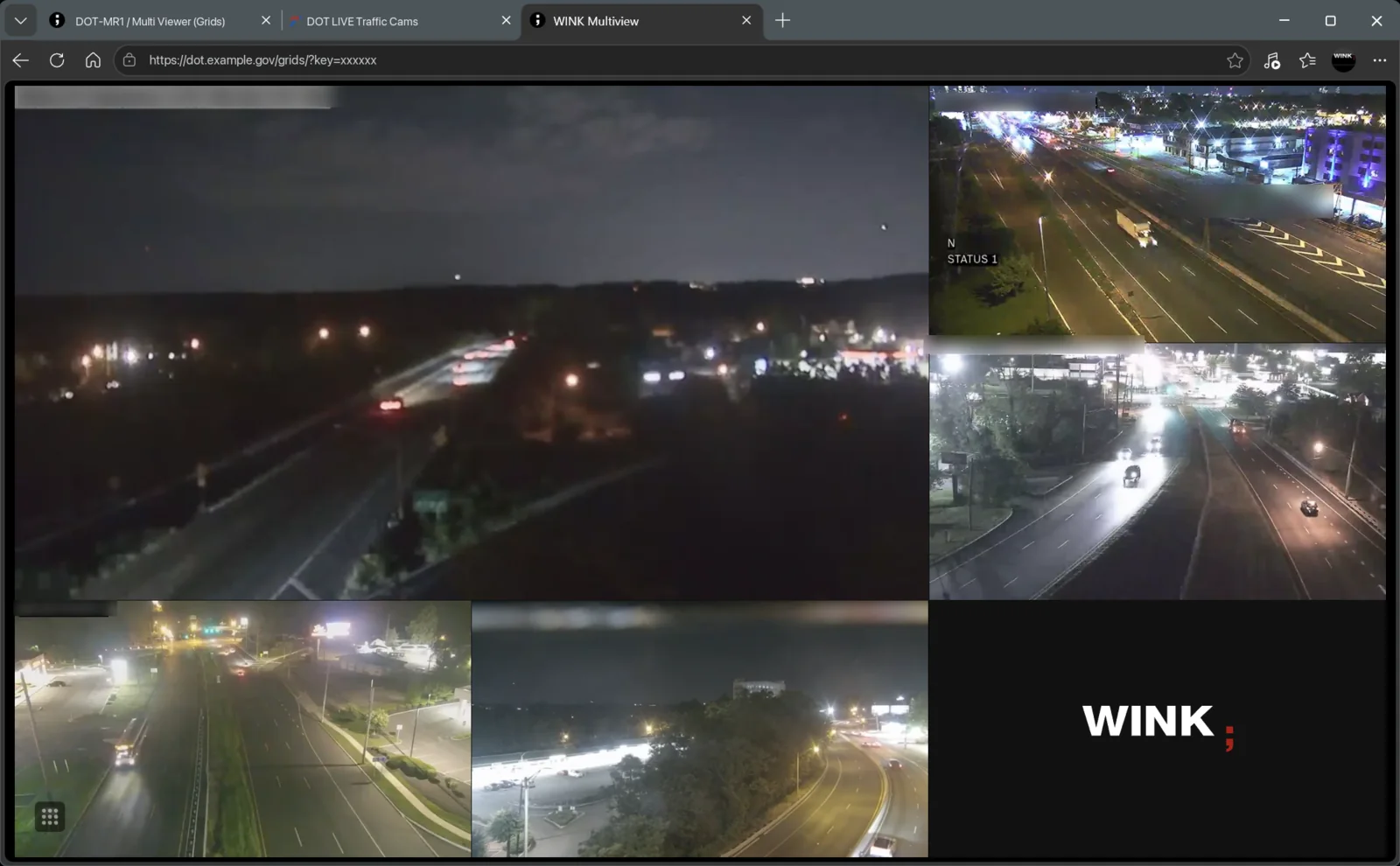
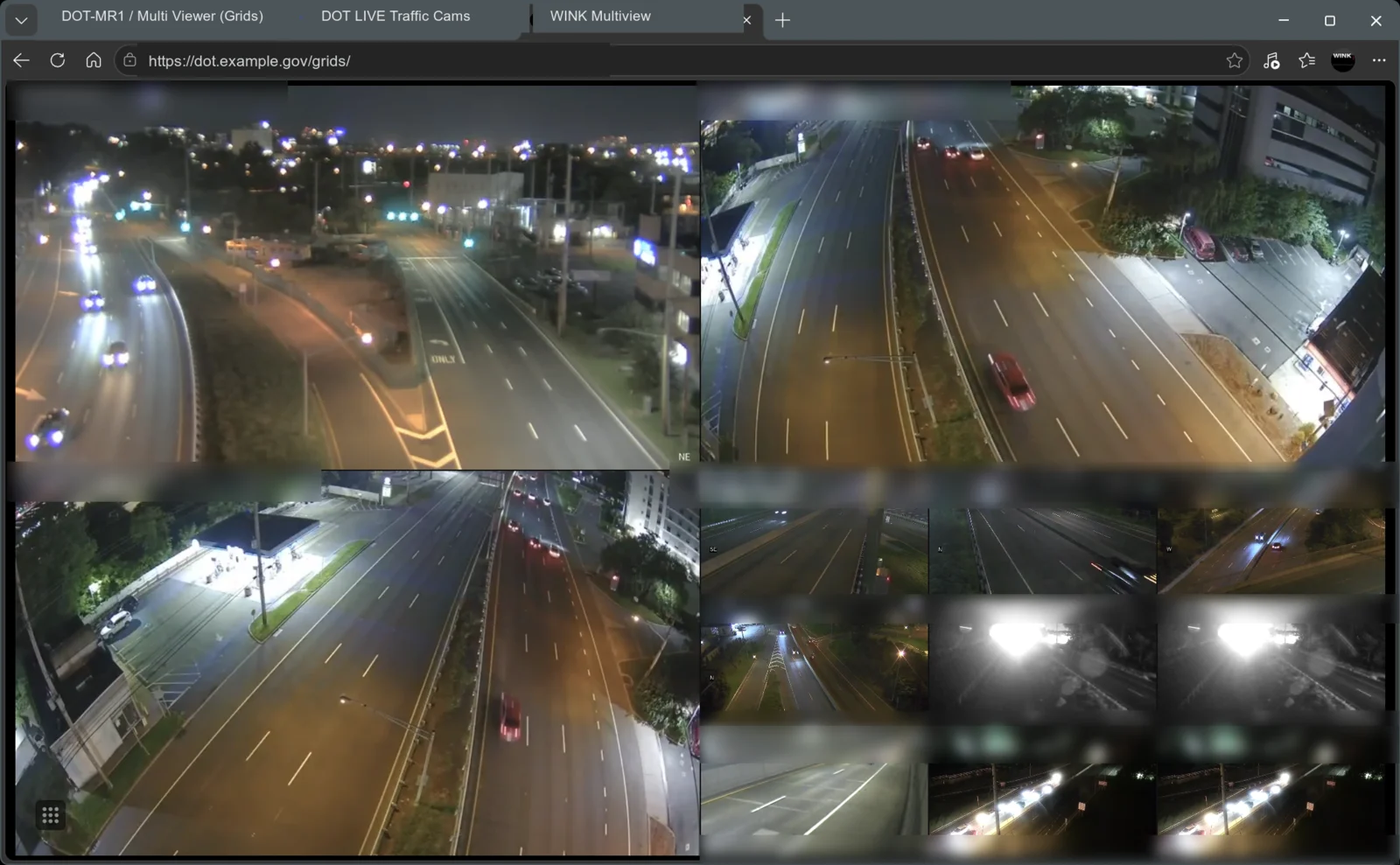
  • Real time camera previews
  • Multi-camera viewer
  • Interactive location map
  • Coverage heatmap analysis
  • Grid and list views

Reporting

  • Executive PDF reports with charts
  • CSV export
  • User activity and IP logs
  • Network statistics dashboard
  • Bandwidth and connection analysis

Fleet Governance

Where the estate needs an authoritative inventory keyed to your VMS, frame level health verification, and independent checking of what each partner can actually see, WINK Crossroad adds that governance layer on top of the routers.

Add-Ons

Analytics on Streams Already Flowing

Both add-ons process video directly from Media Router, so adding intelligence does not mean adding infrastructure or pulling a second copy of every stream.

WINK Analytics

  • Motion detection and object tracking
  • License plate recognition
  • People counting and crowd analysis
Learn about Analytics

WINK Traffic and LPR

  • Real time traffic flow analysis
  • Incident detection and alerting
  • Queue length measurement
Explore Traffic and LPR
Infrastructure

Built to Sit in a Rack for Years

High Availability

  • VRRP with matching router IDs
  • Shared virtual IP for clients
  • Primary and secondary or load balanced
  • Geographic distribution across sites

Network

  • Interface bonding with selectable modes
  • MTU tuning for high throughput paths
  • Documented required and optional ports
  • SSL certificate management

Monitoring and Tools

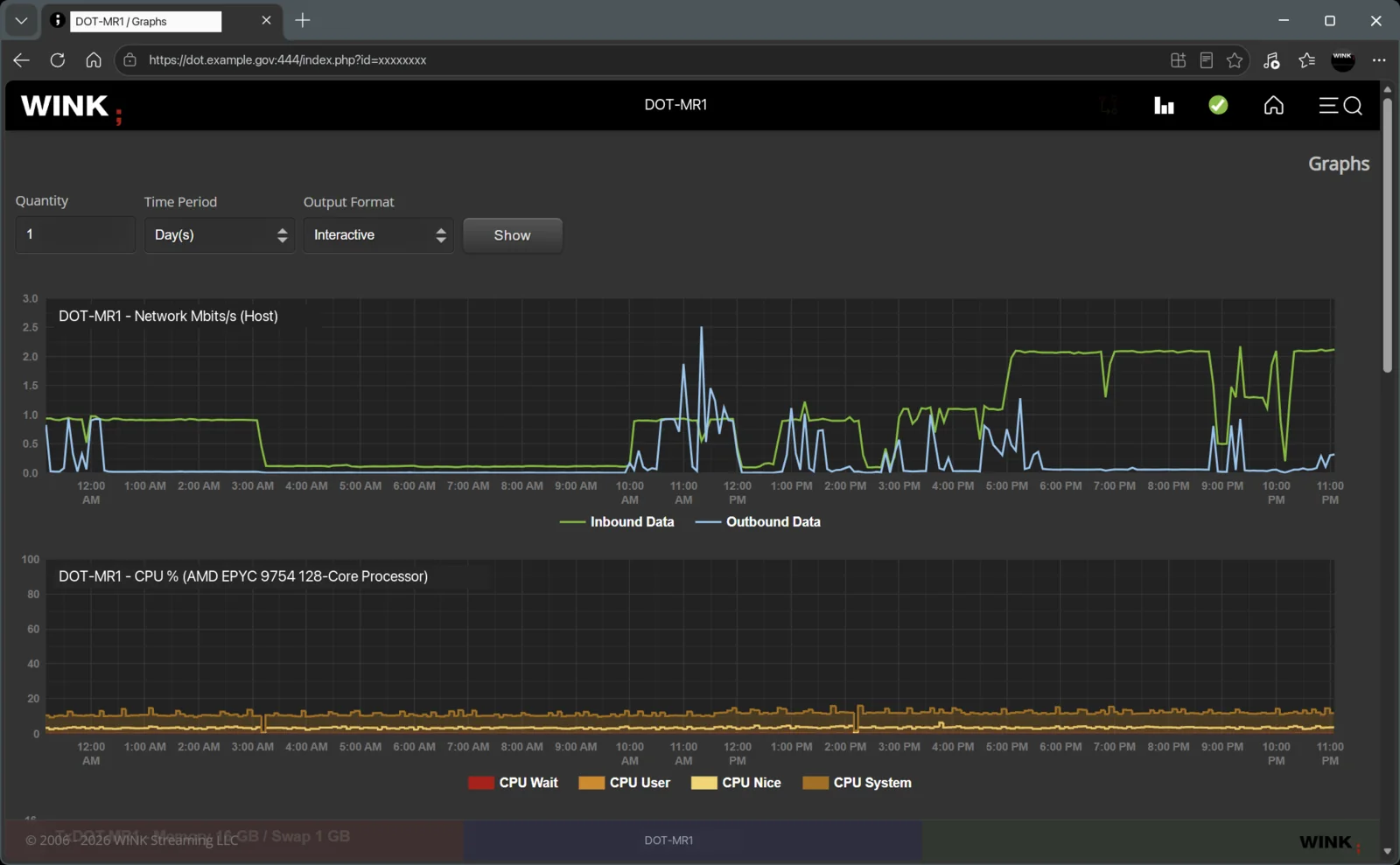
  • System, network, memory, and CPU graphs
  • Log access from the web interface
  • Packet capture and network diagnostics on the box
  • REST API for control and integration
In Service

Who Runs Media Router

DOT and 511

  • Traffic camera distribution
  • Incident information sharing
  • Public website integration
  • Mobile app distribution
  • Bandwidth optimized delivery

Law Enforcement

  • Inter-department access
  • Mobile officer support
  • Command center distribution
  • Evidence handling
  • Jurisdictional controls

Emergency Management

  • Multi-agency coordination
  • Incident response video
  • Emergency operations centers
  • Field team access
  • Priority based routing
Technical Brief

The Proxy Boundary, and Why Every Sharing Request Should Hit It

WINK Streaming · Video distribution architecture

Direct camera access is always the first thing a partner asks for. It is simple to explain and costs them nothing to implement. It is also the arrangement that produces credentials in a spreadsheet, connection counts nobody controls, and a security boundary that now includes an organization you cannot audit.

Isolation is what makes revocation possible

The property that matters is blast radius. When ten partners share one endpoint and one credential, a rotation affects all ten, so in practice it never happens. When each partner has its own endpoint, port, credential pair, IP whitelist, and camera set, ending one relationship is a single operation with no side effects. Per session OTP tokens extend the same idea to individual viewers: nothing long lived is issued, so nothing long lived can leak.

Give each consumer the protocol it actually speaks

Web viewers get HLS with a token and accept a few seconds of latency in exchange for playing everywhere. A partner VMS gets RTSP with IP whitelisting, because that is native to the receiving system. Broadcast gets SRT with a key. One warning worth stating plainly, because it accounts for a large share of support cases: putting a general purpose CDN or web application firewall in front of a live video endpoint frequently breaks it.

In practice: a news station during an incident

The station needs twelve highway cameras for the duration of a closure. They get their own endpoint, their own credentials, and exactly those twelve cameras, with viewers authenticated per session. Their playout system will only accept an Axis camera, so the router presents itself as one. When the closure ends, access is withdrawn in one operation. No other partner notices, no camera credential changed, and the access log shows precisely what was watched and when.

More detail: the Camera Sharing and Partner Integration Guide, the API Reference Manual for token mechanics, and the Firewall and Network Configuration Guide for the port tables.

Sharing Cameras Without Losing Control of Them

Tell us who needs access to what, and we will show you how the boundary is drawn.

Request Demo