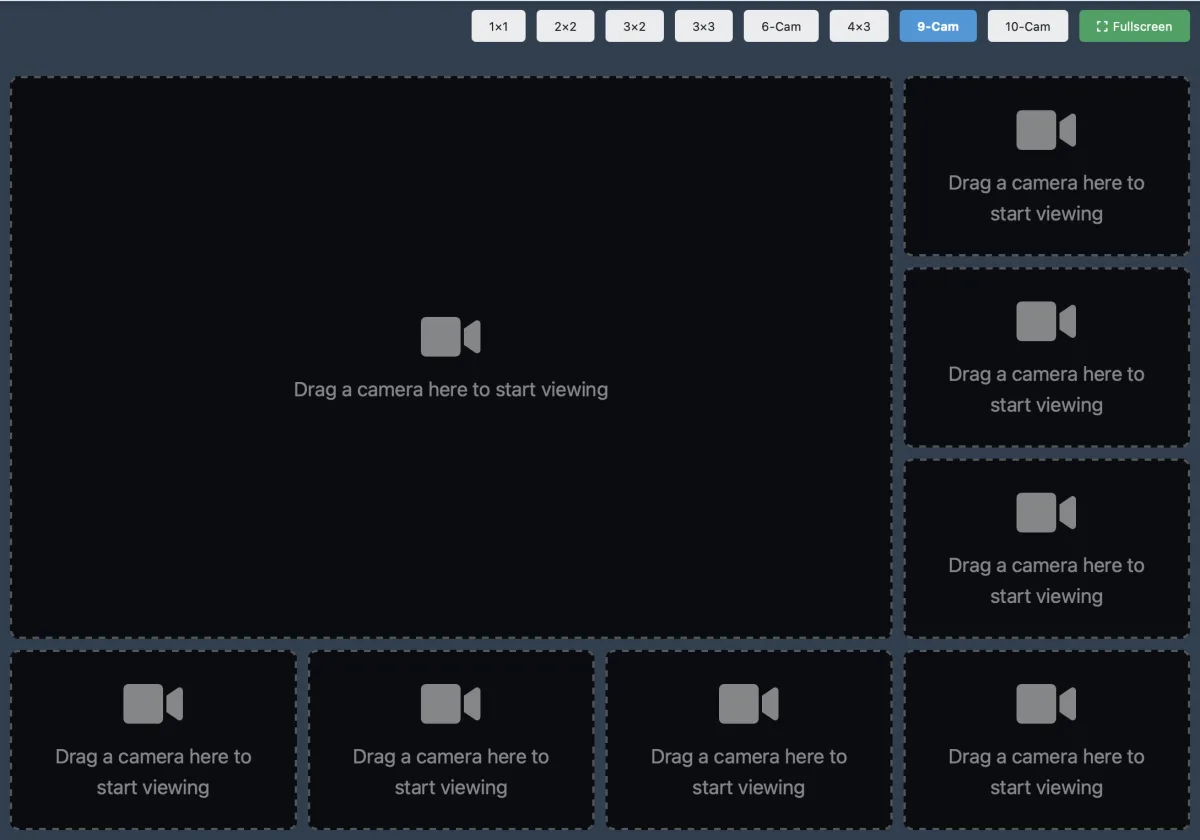
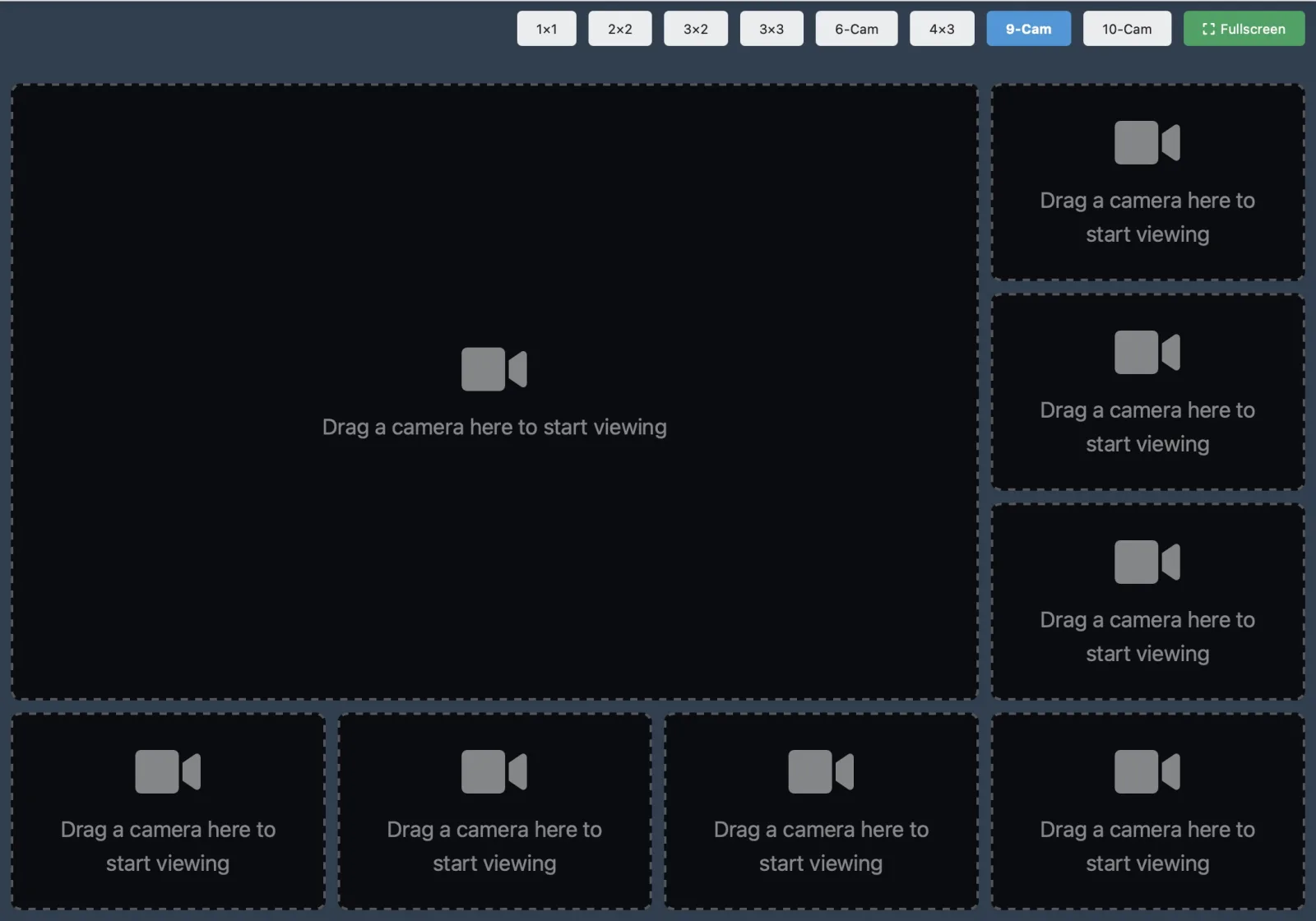
WINK Vision puts cameras on a screen for people whose job is to watch them. Up to twelve at once in selectable layouts, a map to find the one you want, and permissions so each person sees only their own cameras.
It is deliberately small. If you need fleet health, partner governance, or an API, that is WINK Crossroad.
Request a Demo Read the Manual
A browser based camera viewer for operators, front desks, duty rooms, and anyone who needs to watch cameras without learning a video management system.
Most people who look at cameras do not administer them. They want a screen with the right cameras on it, arranged the way they like, and they want it to open without a client install or a VPN. Vision exists for exactly that, and it stops there on purpose.
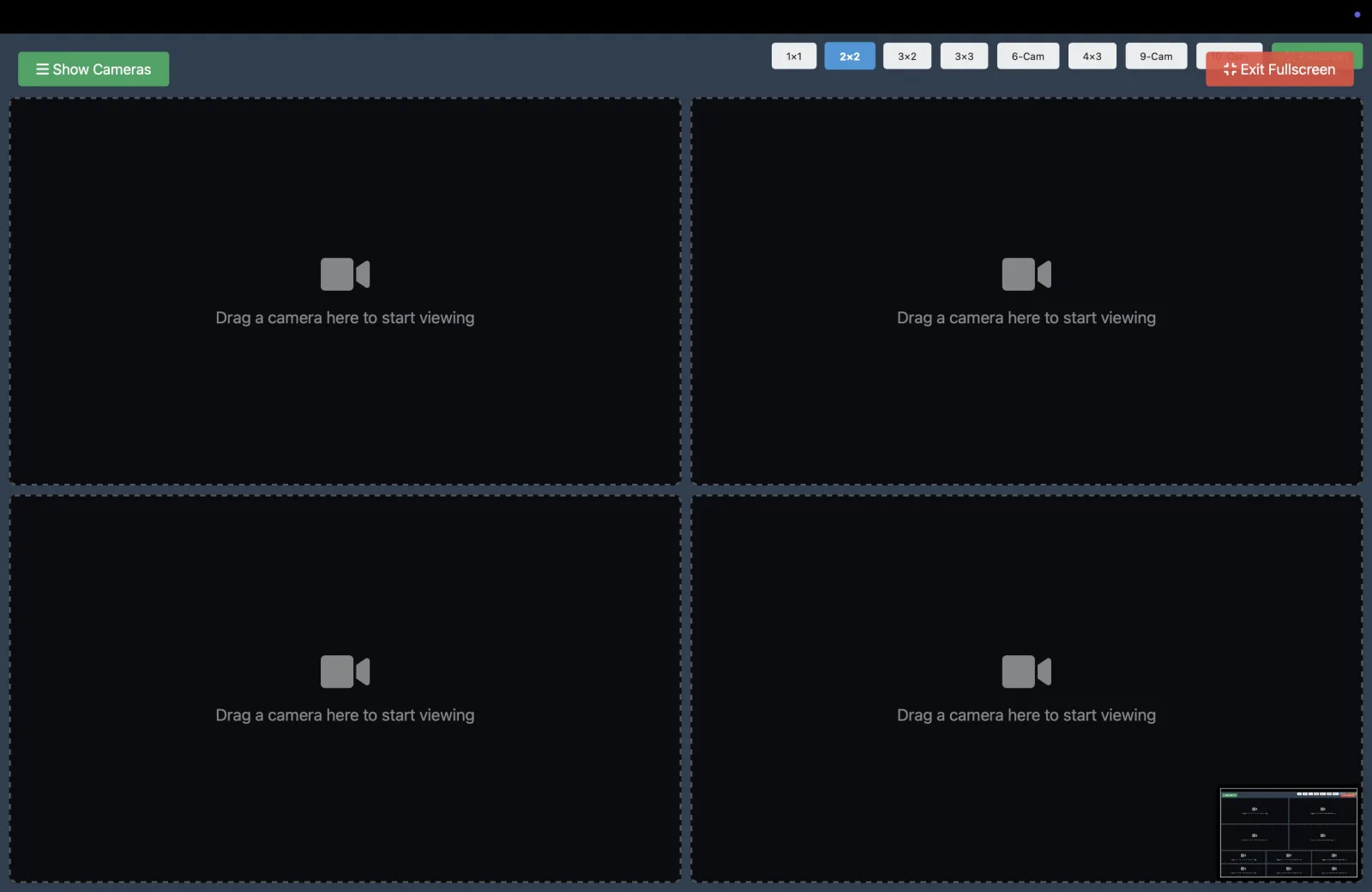
Layouts run from a single camera up to twelve on one screen, with fullscreen for a wall display. An interactive map shows where each camera is, which is usually faster than reading a list. It works on a phone, and administrators control who can see which cameras through five permission tiers.
Everything it displays comes from WINK Media Router, so the access rules and the stream authentication are the ones already configured for the deployment.

Drag a camera into a tile and it starts playing. The layout persists, so a duty station opens tomorrow the way it was left today.
A viewer. Layouts, a map, mobile access, and permissions. Right for operators, front desks, duty rooms, and anyone who just needs the picture.
Documentation: WINK Vision Manual
The cloud VMS. Everything Vision does, plus camera inventory, frame level health verification, Forge fleet monitoring, partner governance, alerting, reporting, and a public API.
Right for the people who run the estate rather than watch it.
Both sit on top of WINK Forge and WINK Media Router, which do the transcoding and the distribution underneath.
Tell us who is watching and what they need to see, and we will set up a viewer against your own streams.
Request a Demo