WINK LAN Camera Finder
Documentation for v1.1.0 | February 2026
The most comprehensive network camera discovery tool available. Find every IP camera, NVR, DVR, and video encoder on your network using six discovery protocols, smart confidence scoring, and device type classification.
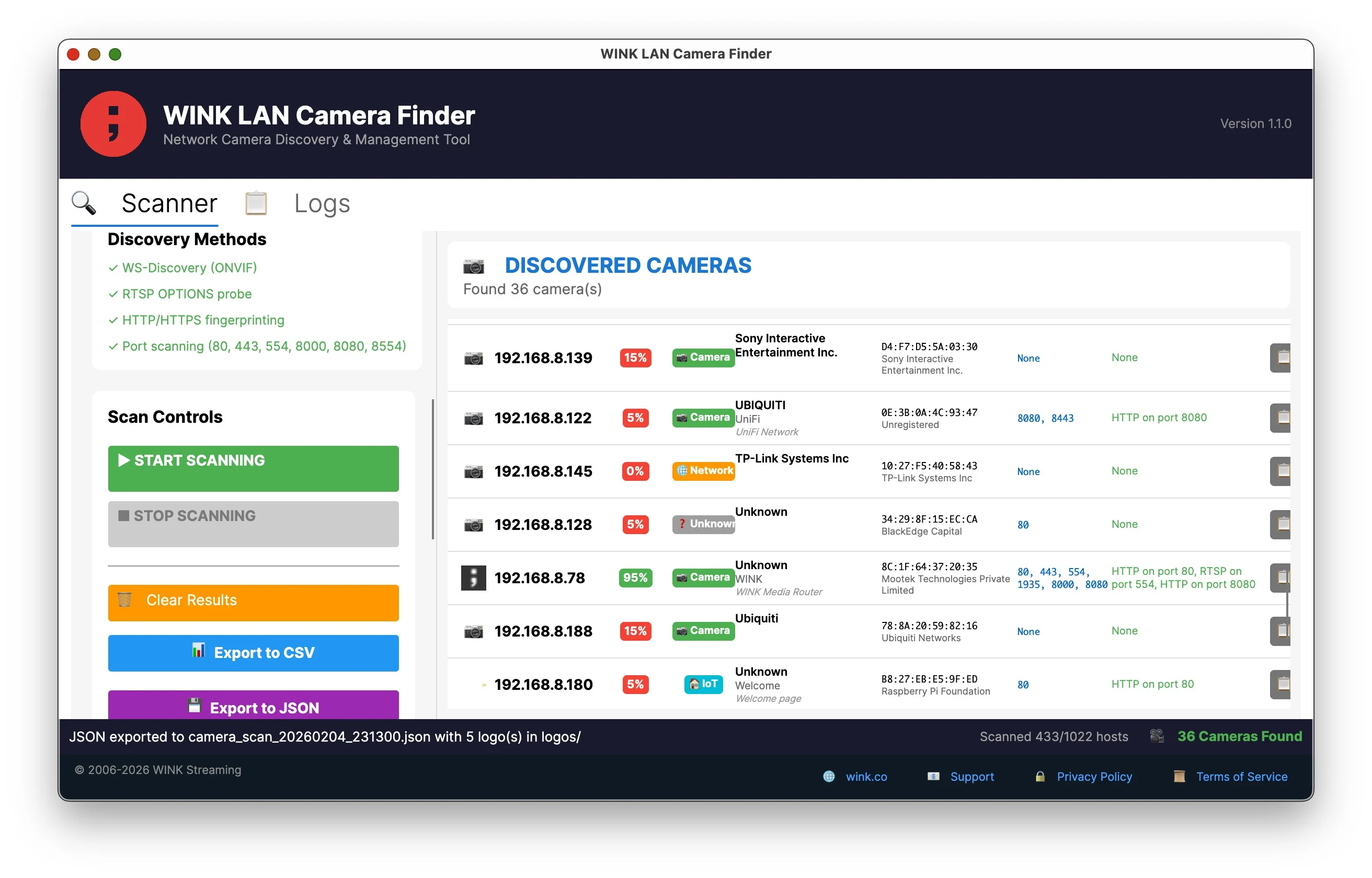
Ready to scan with network configuration
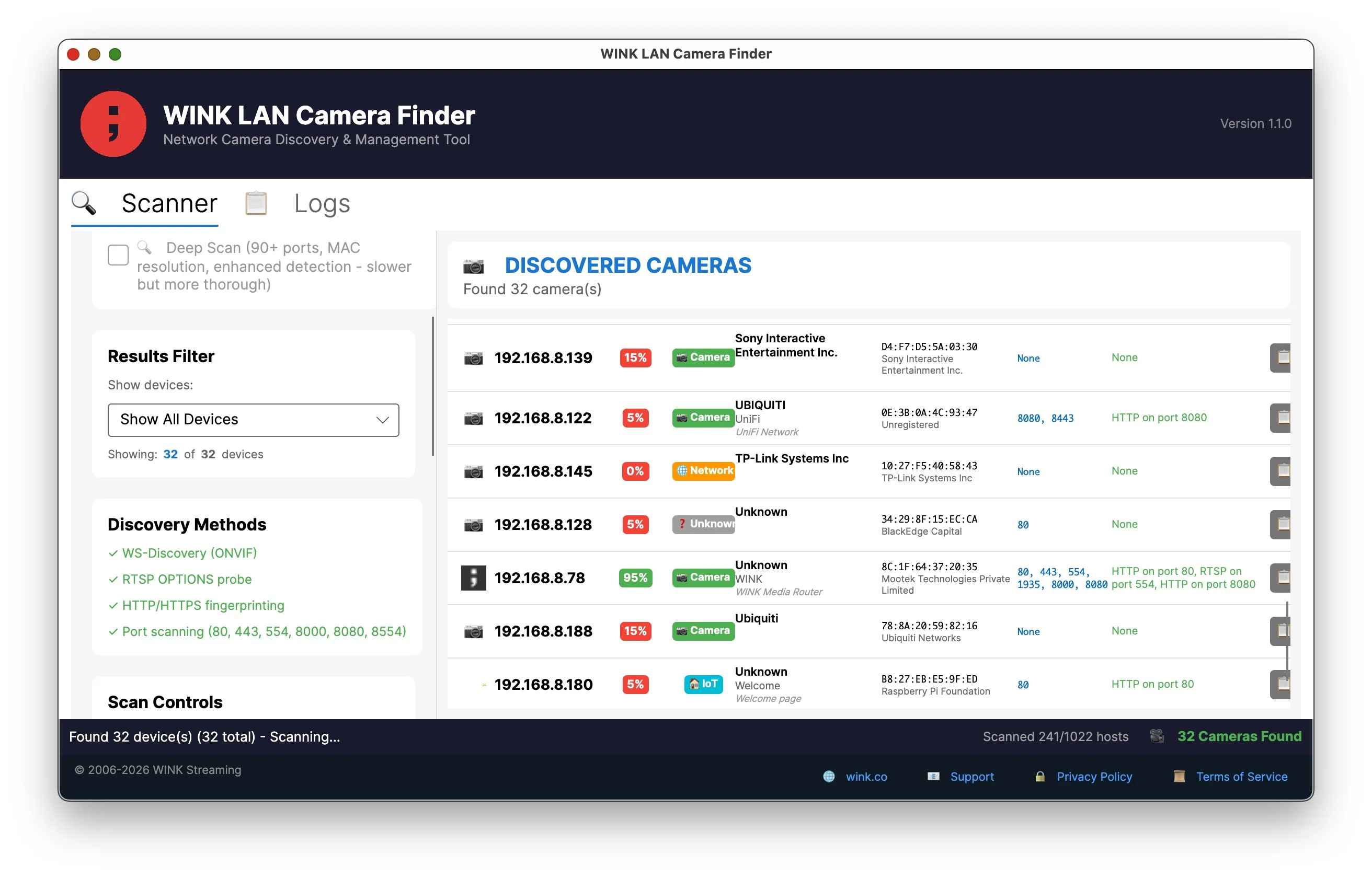
Scanning with ONVIF cameras discovered
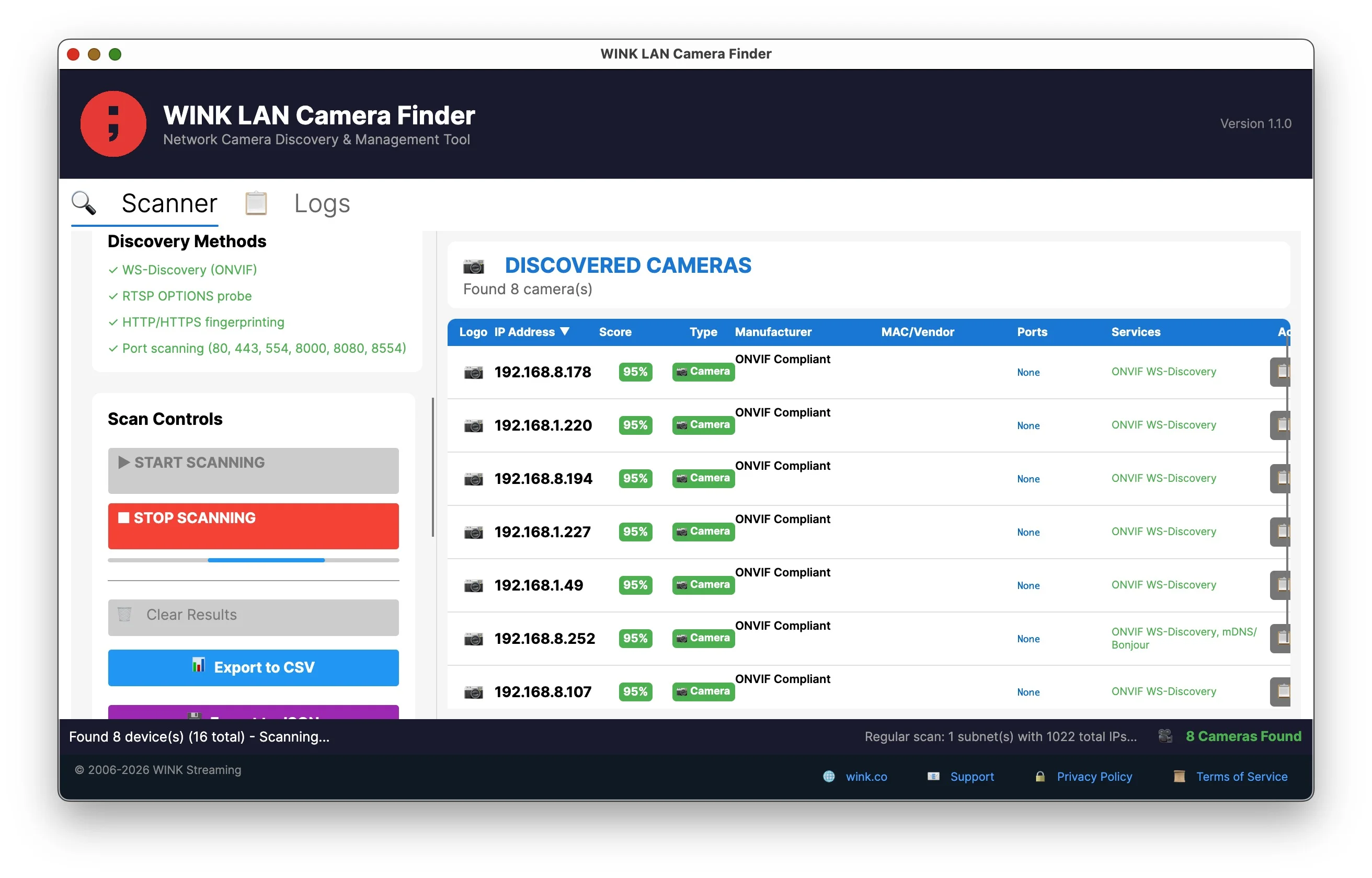
All devices with type classification
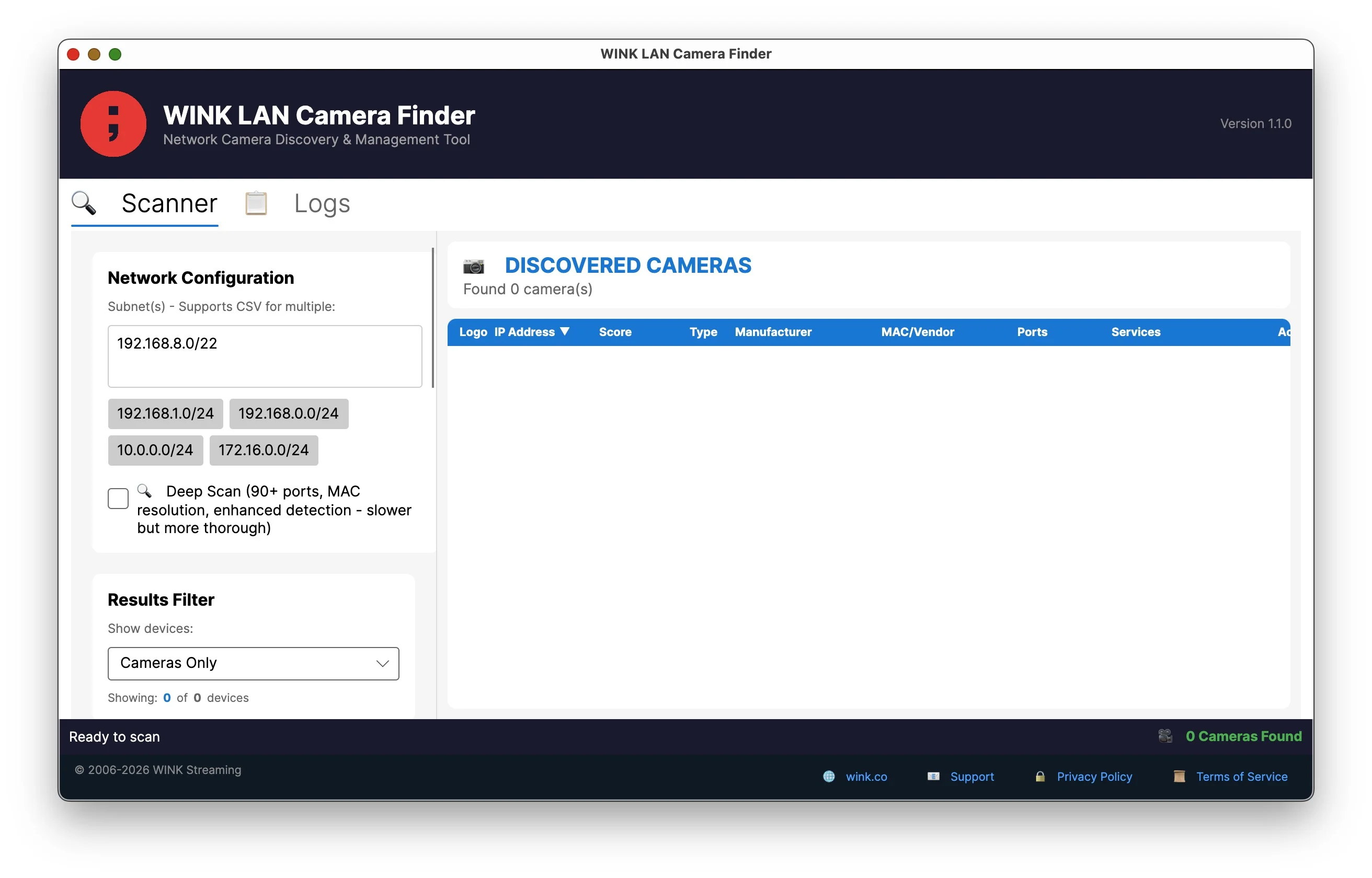
Export to CSV and JSON
Contents
Six Discovery Protocols
WINK LAN Camera Finder uses six different discovery methods to ensure no camera goes undetected. Each protocol finds devices that others miss.
ONVIF WS-Discovery
The primary discovery method for professional IP cameras. Sends multicast probes and listens for camera announcements. Works across subnets if multicast routing is enabled. Devices responding to ONVIF get a +95 confidence boost.
UPnP/SSDP Discovery
Simple Service Discovery Protocol finds consumer and prosumer devices that advertise via Universal Plug and Play. Enhanced in v1.1 with improved device type detection.
mDNS/Bonjour Discovery
Zero-configuration networking finds cameras using .local hostnames. Queries camera-specific services including _rtsp._tcp and _axis-video._tcp.
RTSP Stream Detection
Active probing for Real-Time Streaming Protocol on standard port 554 and non-standard ports (5554, 8554, 10554). Detects cameras by their streaming capability even if they don't announce themselves.
SNMP Discovery
New in v1.1. Queries devices using Simple Network Management Protocol to identify network equipment and cameras with SNMP enabled. Available in Deep Scan mode.
HTTP/HTTPS Fingerprinting
Analyzes web interfaces to identify camera manufacturers and models through page titles, server headers, favicon analysis, and HTML content patterns.
Smart Confidence Scoring
Every discovered device receives a confidence score from 0-100% indicating how likely it is to be a camera. The scoring algorithm combines positive indicators (things that suggest a camera) with negative indicators (things that suggest a server or other device).
Why Confidence Scoring Matters
Network scans typically return hundreds of devices - servers, printers, IoT devices, and network equipment. Without intelligent filtering, finding actual cameras requires manual review of every result. Confidence scoring automatically surfaces real cameras while filtering out false positives.
Positive Indicators
| Finding | Score | Explanation |
|---|---|---|
| ONVIF WS-Discovery response | +95 | Definitive camera identification |
| RTSP stream on port 554 | +85 | Standard camera streaming port |
| RTSP on non-standard port | +70 | Streaming capability confirmed |
| RTSP port open (not verified) | +50 | Likely camera, needs verification |
| Camera API port detected | +40 | Hikvision 8000, Dahua 37777, etc. |
| Camera keywords in web interface | +30 | "camera", "DVR", "NVR" in title/content |
| Known camera MAC vendor | +15 | Hikvision, Dahua, Axis OUI match |
| Web interface present | +5 | Basic positive signal |
Negative Indicators
| Finding | Score | Explanation |
|---|---|---|
| Proxmox server detected | -100 | Virtualization platform, not a camera |
| Server software (nginx, Apache, IIS) | -50 | Likely a web server |
| Database ports (MySQL, PostgreSQL) | -30 | Indicates server infrastructure |
| Remote access ports (SSH, RDP) | -30 | Indicates workstation/server |
Devices scoring below 20% are automatically hidden by default. Use the filter dropdown to adjust visibility.
Device Type Classification
New in v1.1. Discovered devices are automatically categorized based on detected characteristics:
| Type | Badge Color | Detection Criteria |
|---|---|---|
| Camera | Green | ONVIF response, RTSP stream, camera MAC vendor, camera web interface |
| NVR/DVR | Cyan | Multiple video ports, NVR keywords, recorder MAC vendors |
| Server | Gray | Server software, database ports, SSH/RDP access |
| Network | Orange | Network equipment MAC vendors (Cisco, Ubiquiti, TP-Link) |
| IoT | Purple | Smart home vendors, IoT-specific ports |
| Printer | Pink | Printer ports (9100, 515), printer MAC vendors |
| Storage | Teal | NAS MAC vendors (Synology, QNAP), storage ports |
| Unknown | Yellow | Insufficient data to classify |
Deep Scan Mode (90+ Ports)
Deep Scan examines 90+ ports including manufacturer-specific APIs that basic scanners miss.
Port Categories
| Category | Ports |
|---|---|
| Web Interfaces | 80, 443, 8080, 8443, 81-85, 8081-8091, 8888, 8999 |
| RTSP Streaming | 554, 5554, 5555, 8554, 10554 |
| RTMP Streaming | 1935 |
| Hikvision | 8000 (SDK API) |
| Dahua | 37777, 37778 |
| Reolink | 9000, 9001 |
| XMEye / Generic Chinese | 34567, 34599 |
| High Ports (NVRs) | 49152, 50000-50002 |
Default IP Scanning
New in v1.1. Automatically scans manufacturer default IP addresses even if outside your specified range:
- Hikvision: 192.168.1.64, 192.0.0.64
- Dahua: 192.168.1.108
- Reolink: 192.168.1.100, 192.168.0.100
- Axis: 192.168.0.90
- Uniview: 192.168.1.13
- And 20+ more manufacturer defaults
MAC Address Vendor Lookup
The built-in database contains 75,000+ manufacturer OUI codes. MAC addresses are resolved via ARP for devices on the local network segment. The vendor lookup instantly identifies:
- Hikvision, Dahua, Axis, Reolink, Uniview
- Ubiquiti/UniFi, Amcrest, Foscam, Lorex
- Hanwha/Samsung, Bosch, Panasonic, Vivotek
- Network equipment (Cisco, TP-Link, Netgear)
- And thousands more
Results Filtering
The filter dropdown lets you focus on specific device types:
| Filter | Description |
|---|---|
| Show All Devices | Display everything discovered (still hides <20% confidence) |
| Cameras Only | Only devices classified as Camera (default) |
| Cameras + NVR/DVR | Cameras and recording devices |
| All Network Devices | Cameras, NVRs, and network equipment |
| High Confidence (60%+) | Only devices with 60% or higher confidence score |
Export Options
CSV Export
Spreadsheet-compatible format for asset management and documentation. Includes all fields: IP, MAC, manufacturer, model, device type, confidence score, open ports, and services.
JSON Export
Structured data format for integration with other tools, automation scripts, and inventory systems. Preserves all metadata including discovery method details.
Command Line Interface
The same executable supports both GUI and CLI modes. Run with --help to see options:
wink-camera-finder --help

Usage: wink-camera-finder [OPTIONS]

Options:
  -p, --prefix <SUBNET>     Network to scan (e.g., 192.168.1.0/24)
  --deep                    Enable deep scan (90+ ports)
  -o, --output <FILE>       Output file (CSV or JSON based on extension)
  -v, --verbose             Verbose output
  --timeout <MS>            Connection timeout in milliseconds
  --help                    Show help
CLI Examples
# Quick scan of local network
wink-camera-finder -p 192.168.1.0/24

# Deep scan with JSON output
wink-camera-finder -p 192.168.1.0/24 --deep -o cameras.json

# Scan multiple subnets
wink-camera-finder -p "192.168.1.0/24,192.168.2.0/24,10.0.0.0/24"
Supported Cameras
Works with any IP camera using standard protocols. Tested and verified with:
- Hikvision (all series)
- Dahua / Amcrest
- Axis Communications
- Reolink
- Ubiquiti / UniFi Protect
- Foscam
- Lorex
- Swann
- EZVIZ
- Hanwha / Samsung
- Bosch
- Panasonic
- Vivotek
- Uniview
- GeoVision
- ACTi
- Pelco
- Any ONVIF-compliant device
Download WINK LAN Camera Finder
Version 1.1.0 - Free for personal and commercial use
Self-contained executables - no installation or runtime required.
Every WINK tool, for every platform, is listed on the software downloads page.
System Requirements
- Windows: Windows 10 or later
- macOS: macOS 10.15 Catalina or later
- Linux: Ubuntu 20.04+ or equivalent distribution
License
Creative Commons Attribution-NonCommercial-NoDerivatives 4.0 International (CC BY-NC-ND 4.0)
Free for personal and commercial use. No warranty provided.
Back to product page | All tools | Resources
Created by WINK Streaming