See It In Action
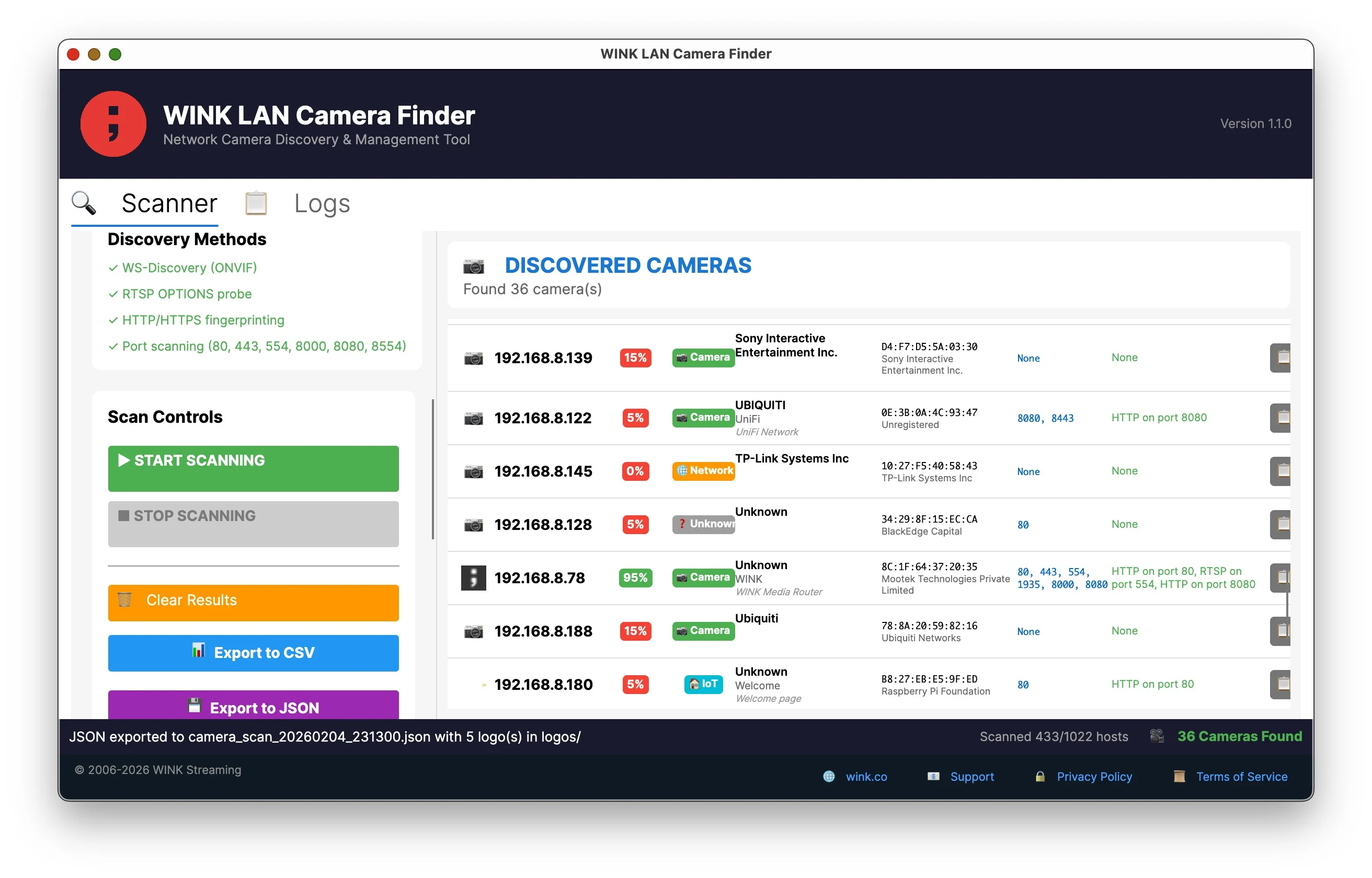
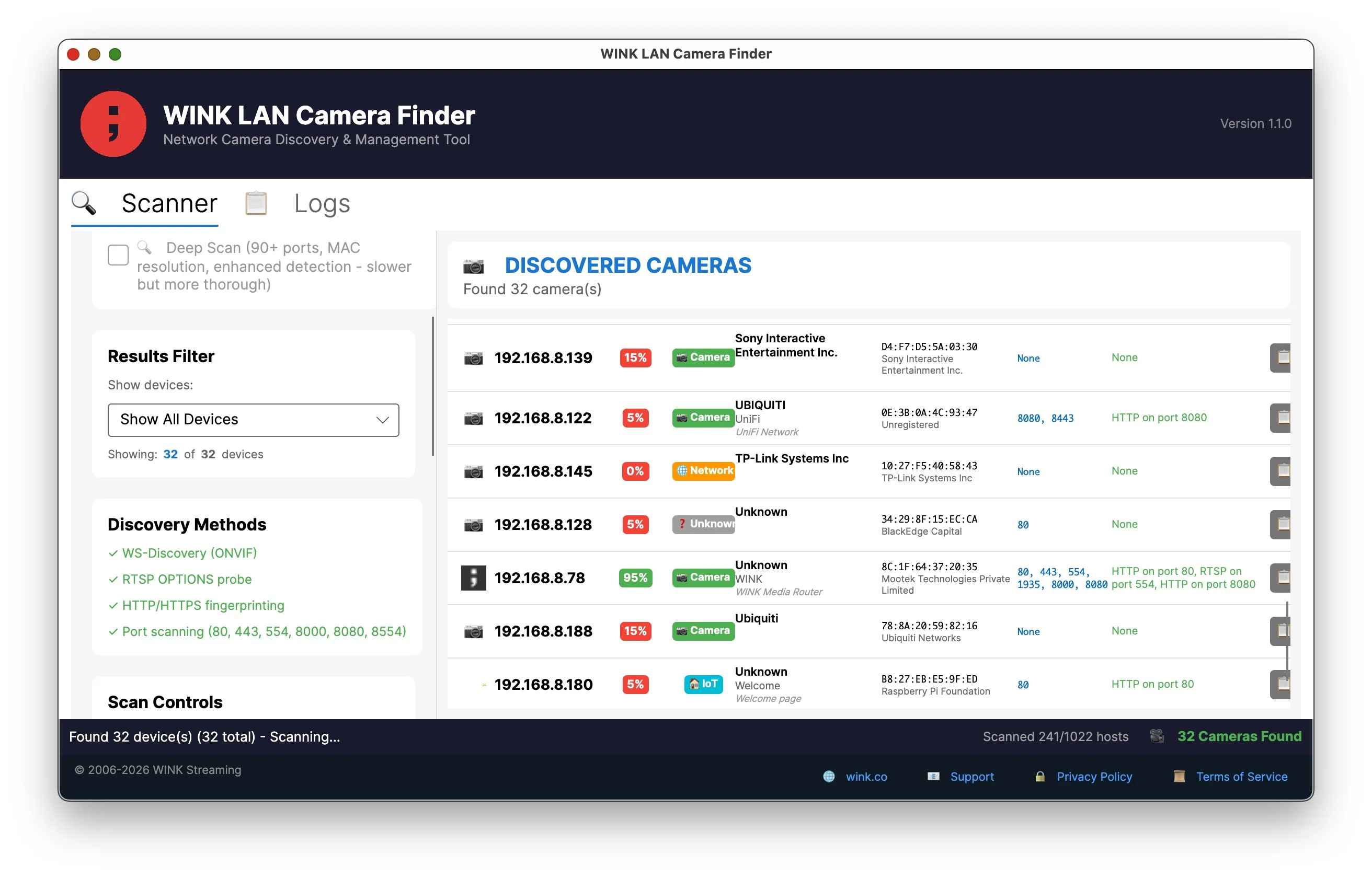
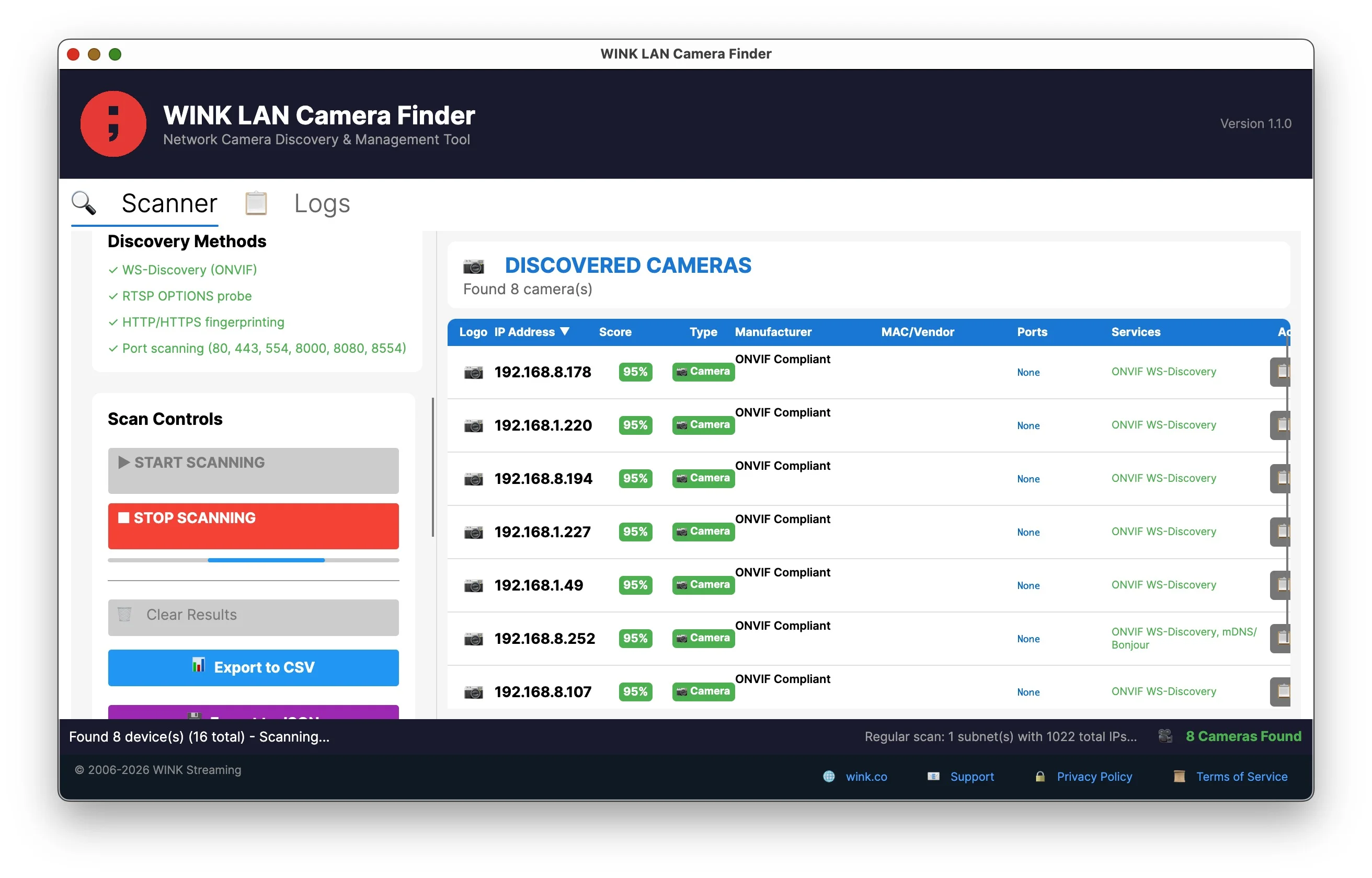
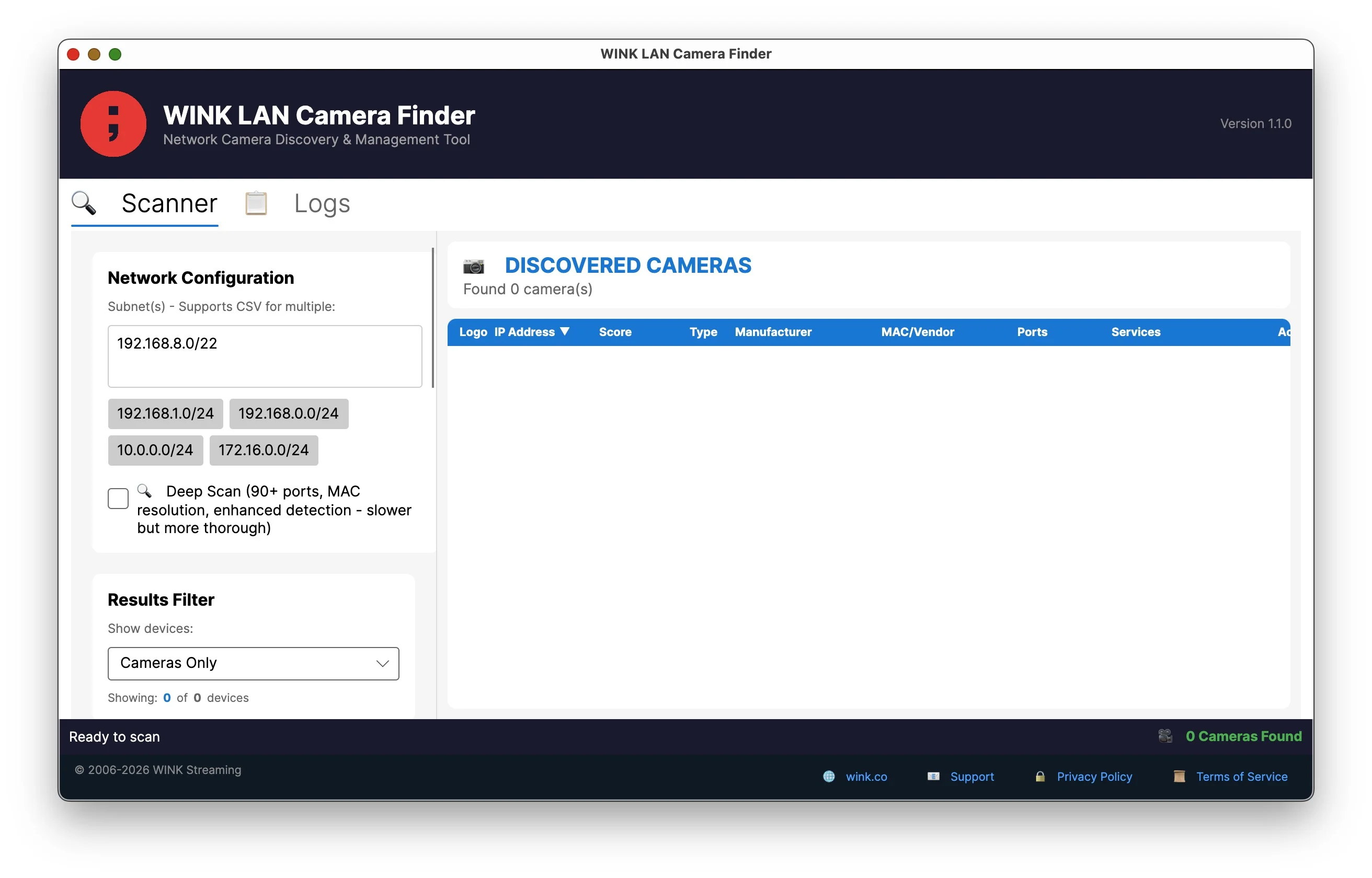
Find every camera on your network—IP cameras, NVRs, DVRs, and video encoders—regardless of manufacturer or protocol. Six discovery methods. Smart filtering. Zero false positives.
Major enhancements to discovery, classification, and filtering
Automatically categorizes discovered devices as Camera, NVR/DVR, Server, Network Device, IoT, Printer, or Storage. Color-coded badges make identification instant.
Show All, Cameras Only, Cameras + NVR/DVR, All Network Devices, or High Confidence (60%+). See exactly what you're looking for.
Improved SSDP, mDNS, and SNMP protocols find more devices with greater accuracy. New RTMP and Reolink port detection.
Automatically scans manufacturer default IPs—Hikvision 192.168.1.64, Dahua 192.168.1.108, Reolink 192.168.1.100, and 20+ more.
More methods means more cameras found. If it's on your network, we'll find it.
Our algorithm separates real cameras from false positives. Each device gets a score based on what we find—ONVIF responses, RTSP streams, camera-specific ports, and MAC vendor data all contribute. Servers, printers, and network equipment get negative scores and filter out automatically.
Devices below 20% confidence are hidden by default. No more sifting through hundreds of false positives to find your cameras.
| Finding | Score |
|---|---|
| ONVIF WS-Discovery response | +95 |
| RTSP stream on port 554 | +85 |
| RTSP on non-standard port | +70 |
| Camera API port (Hikvision 8000, Dahua 37777) | +40 |
| Known camera MAC vendor | +15 |
| Server software detected (nginx, Apache) | -50 |
| Proxmox/virtualization platform | -100 |
90+ ports including manufacturer-specific APIs. Find cameras that hide from basic scanners.
80 443 8080 8443 81-85
554 5554 8554 10554
8000 SDK API port
37777 37778 9000 9001
1935 Live streaming
34567 34599 Chinese NVRs
Plus MAC address vendor lookup from 75,000+ manufacturer OUI codes, SSL certificate analysis, and favicon retrieval for brand identification.
Any camera using standard protocols. No configuration required.
Inventory all cameras across corporate networks. Export to CSV for asset management.
Audit camera deployments for compliance. Find unauthorized devices on the network.
Find cameras with unknown IPs. Verify installation before leaving the site.
Troubleshoot camera connectivity. Identify port conflicts and service issues.
Free — Self-contained executables — No installation required
Just extract and run. No .NET runtime or other dependencies required.
Yes. No trial limits, no paid version, no registration required. Creative Commons BY-NC-ND 4.0 license for personal and commercial use.
Each device gets a score from 0-100% based on positive indicators (ONVIF response, RTSP stream, camera MAC vendor) and negative indicators (server software, database ports). Devices scoring below 20% are automatically hidden as likely false positives.
Multicast protocols (ONVIF, mDNS, UPnP) can discover cameras on other subnets if your network allows multicast routing. You can also enter multiple network ranges separated by commas.
Quick Scan checks 10 essential ports (80, 443, 554, 8080, etc.) for fast results. Deep Scan examines 90+ ports including manufacturer-specific APIs and retrieves MAC vendor data, SSL certificates, and favicons.
No. Standard network protocols don't require elevated permissions. Just extract and run.
Yes. The same executable supports both GUI and CLI modes. Run with --help to see options for scripting and automation.
No. All scanning happens locally. No external connections, no telemetry, no cloud.
LAN Camera Finder discovers cameras that are reachable over IP, across every major brand, using ONVIF WS-Discovery, UPnP and SSDP, mDNS, and port scanning. When a Hikvision-family device has the wrong subnet, the wrong mask, or a duplicate address, it is not reachable over IP at all and no amount of scanning will surface it.
WINK SADP Probe is the command line companion for exactly that case. It speaks SADP, which works below the layer where addressing matters, so a misconfigured device still answers. It then reports whether each device is reachable, what services it offers, and whether it is sitting unactivated. The two tools are complementary rather than alternatives.
Explore WINK SADP ProbeFeedback: development@wink.co
Creative Commons BY-NC-ND 4.0 International