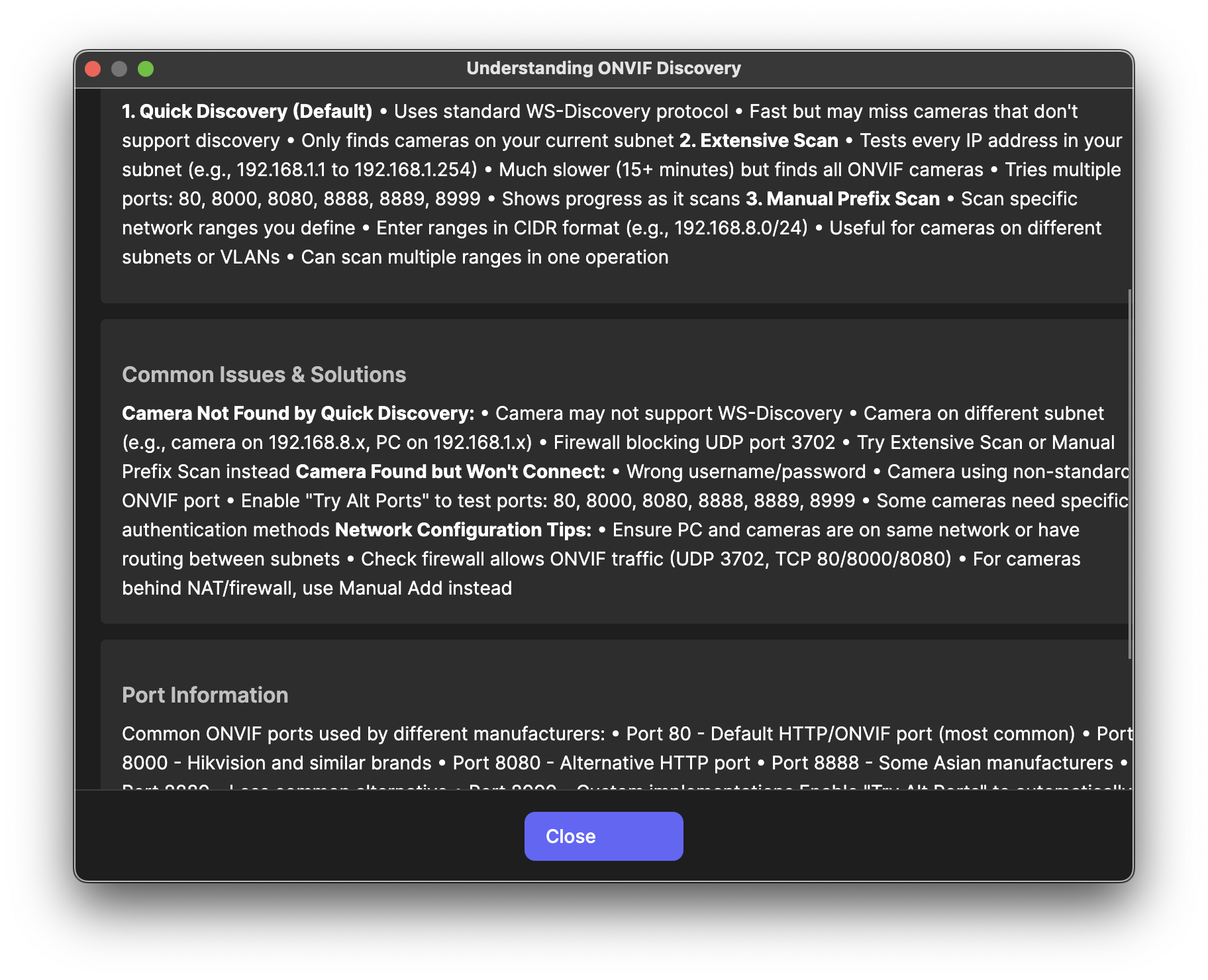
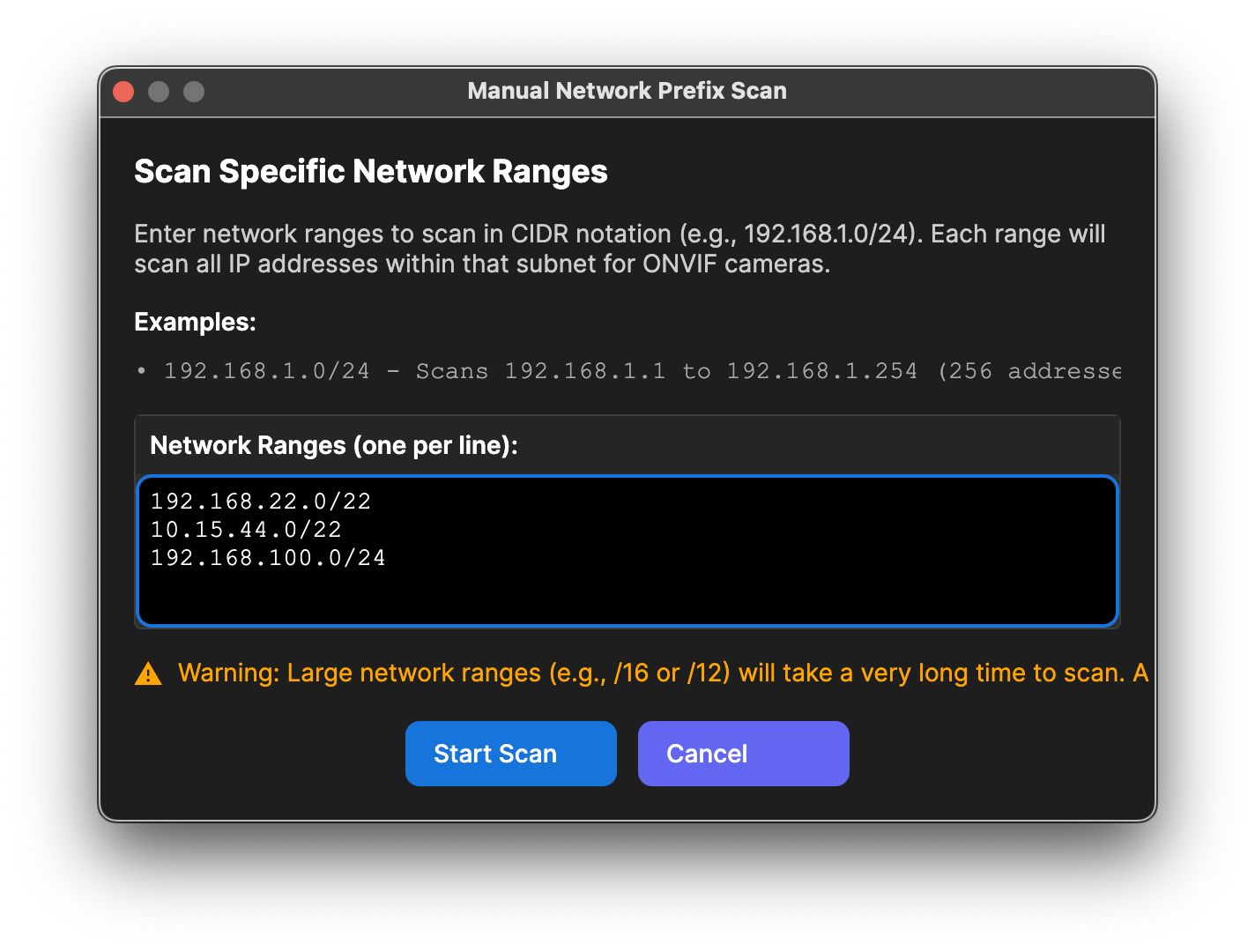
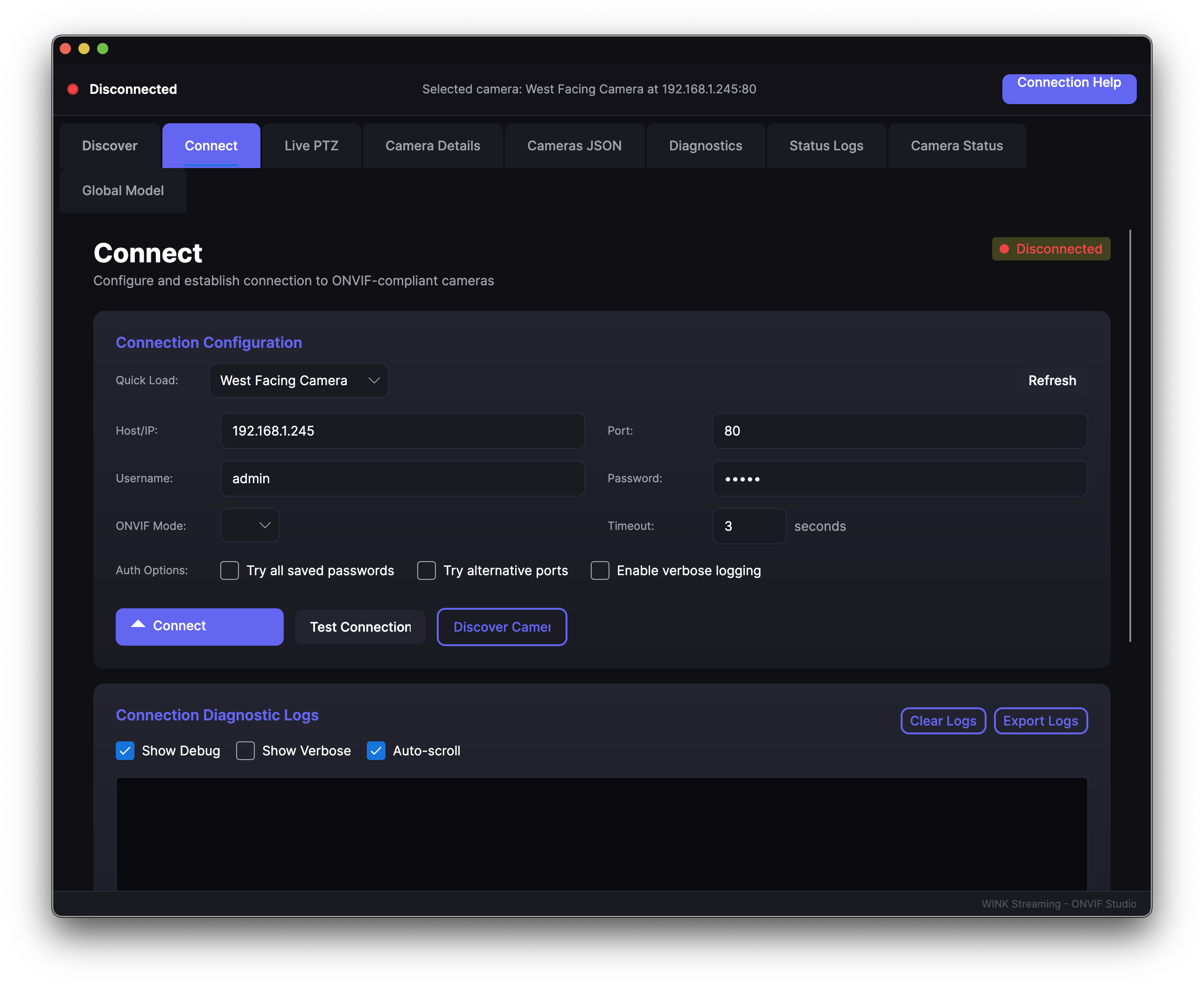
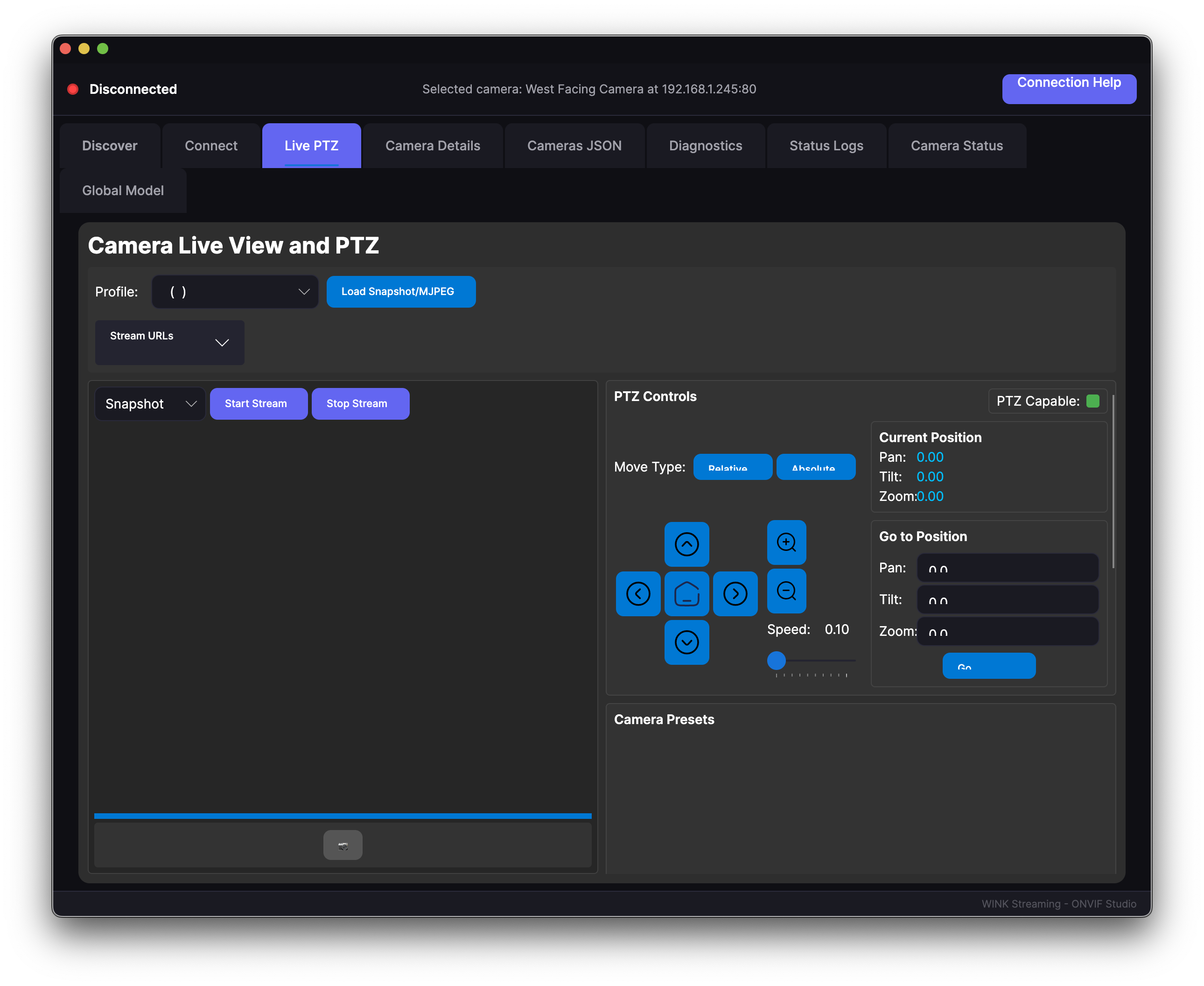
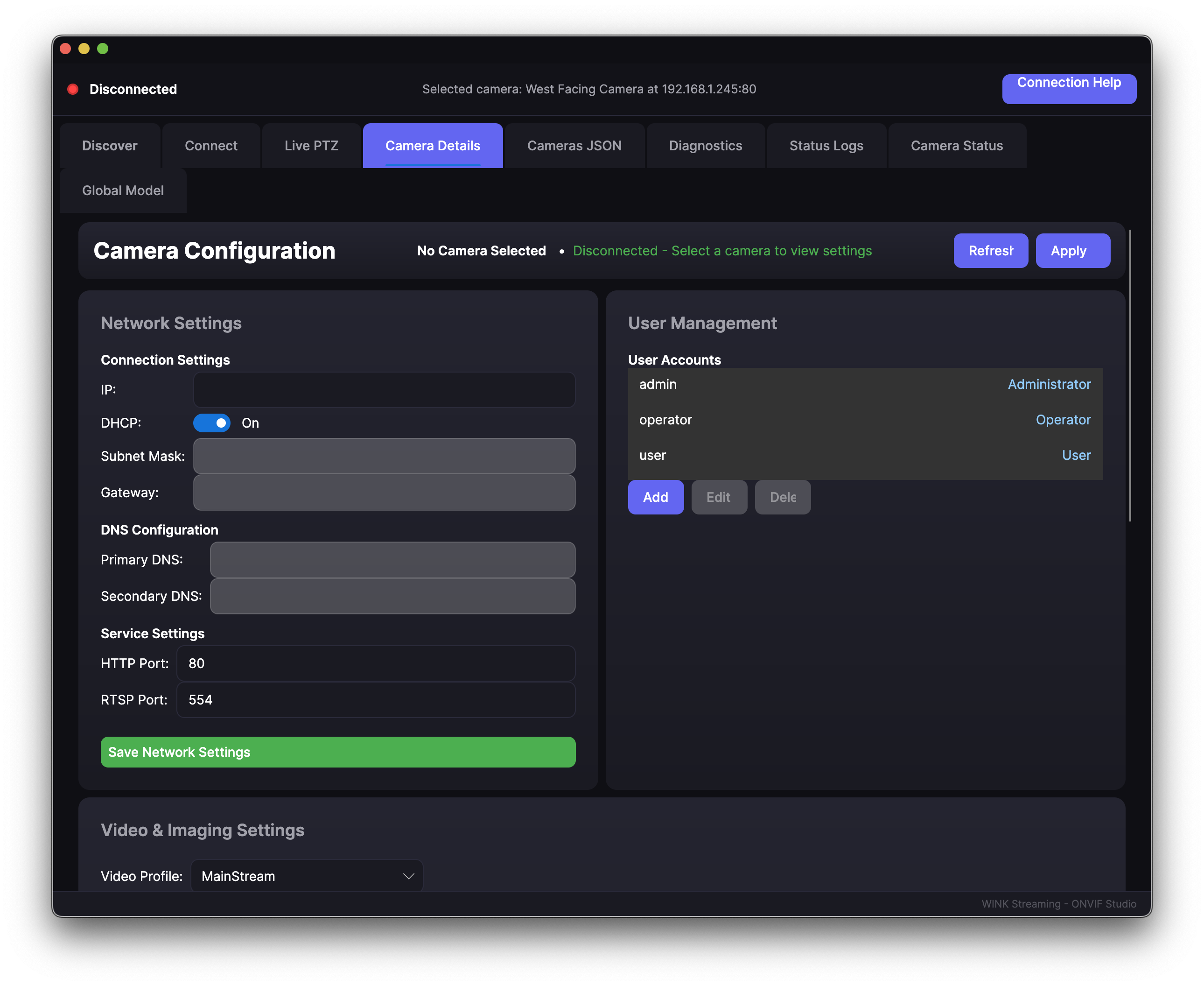
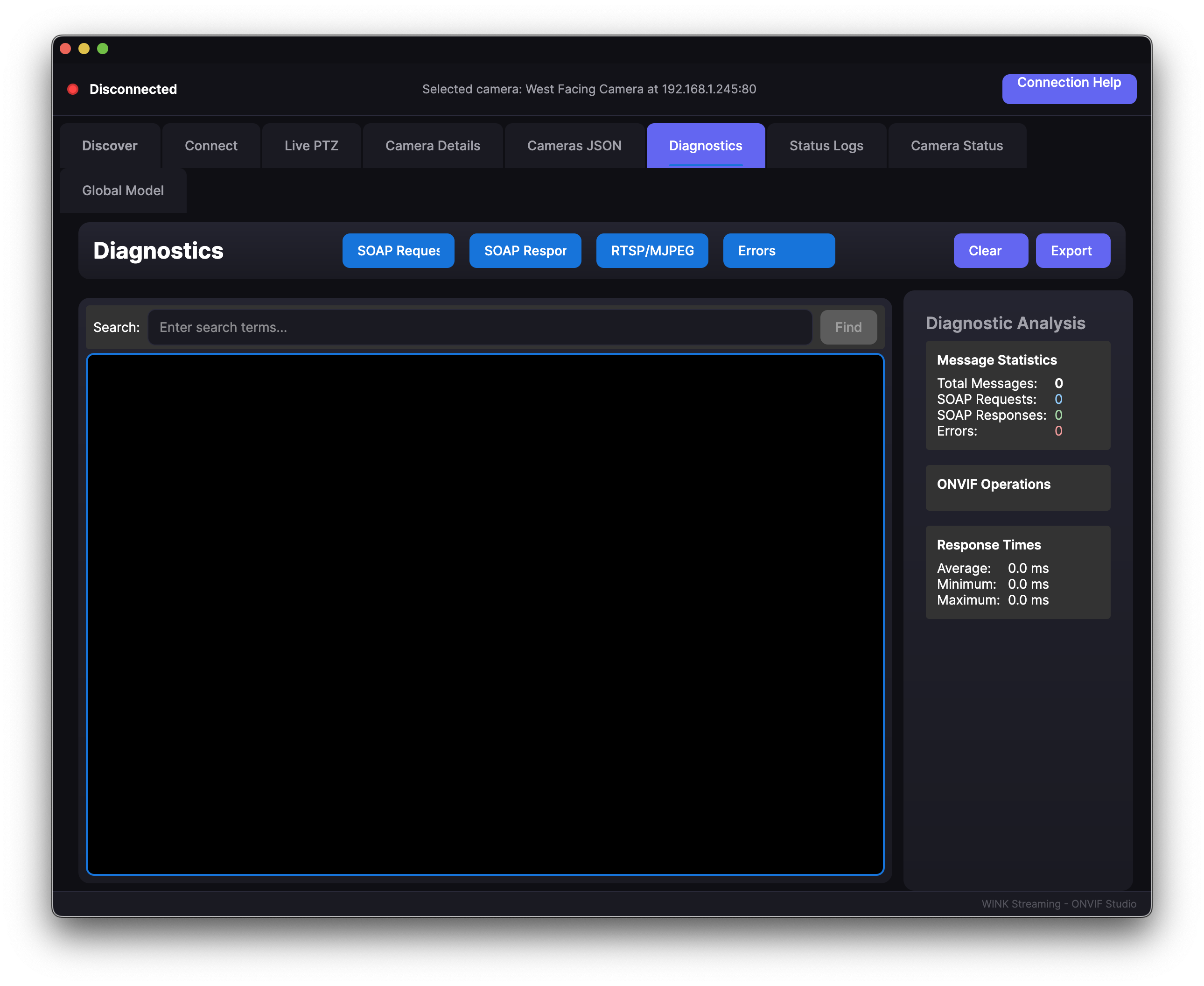
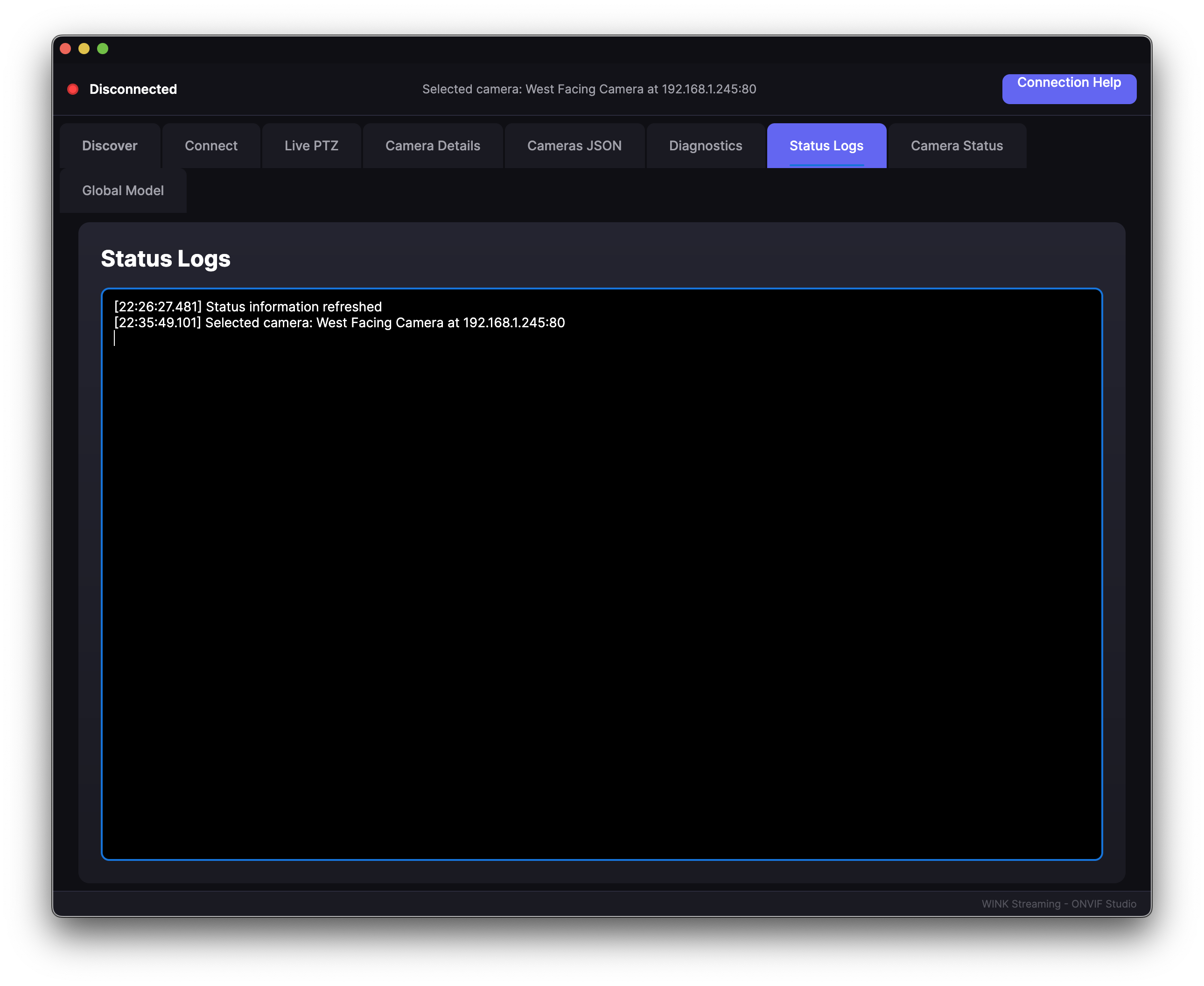
WINK Camera Studio is a comprehensive camera management platform designed for security professionals and system integrators. Our cross-platform solution delivers advanced PTZ control, intelligent device discovery, live streaming, and enterprise features including 2-way audio, real-time events, and archives management for industry-standard IP cameras.
Advanced capabilities including 2-way audio, real-time events monitoring, and archives management - features typically reserved for commercial solutions.
Complete PTZ camera control
2-way audio support
Real-time events monitoring
Archives & recordings management
Multi-camera discovery & testing
Advanced authentication support
Windows, Linux and OSX Support
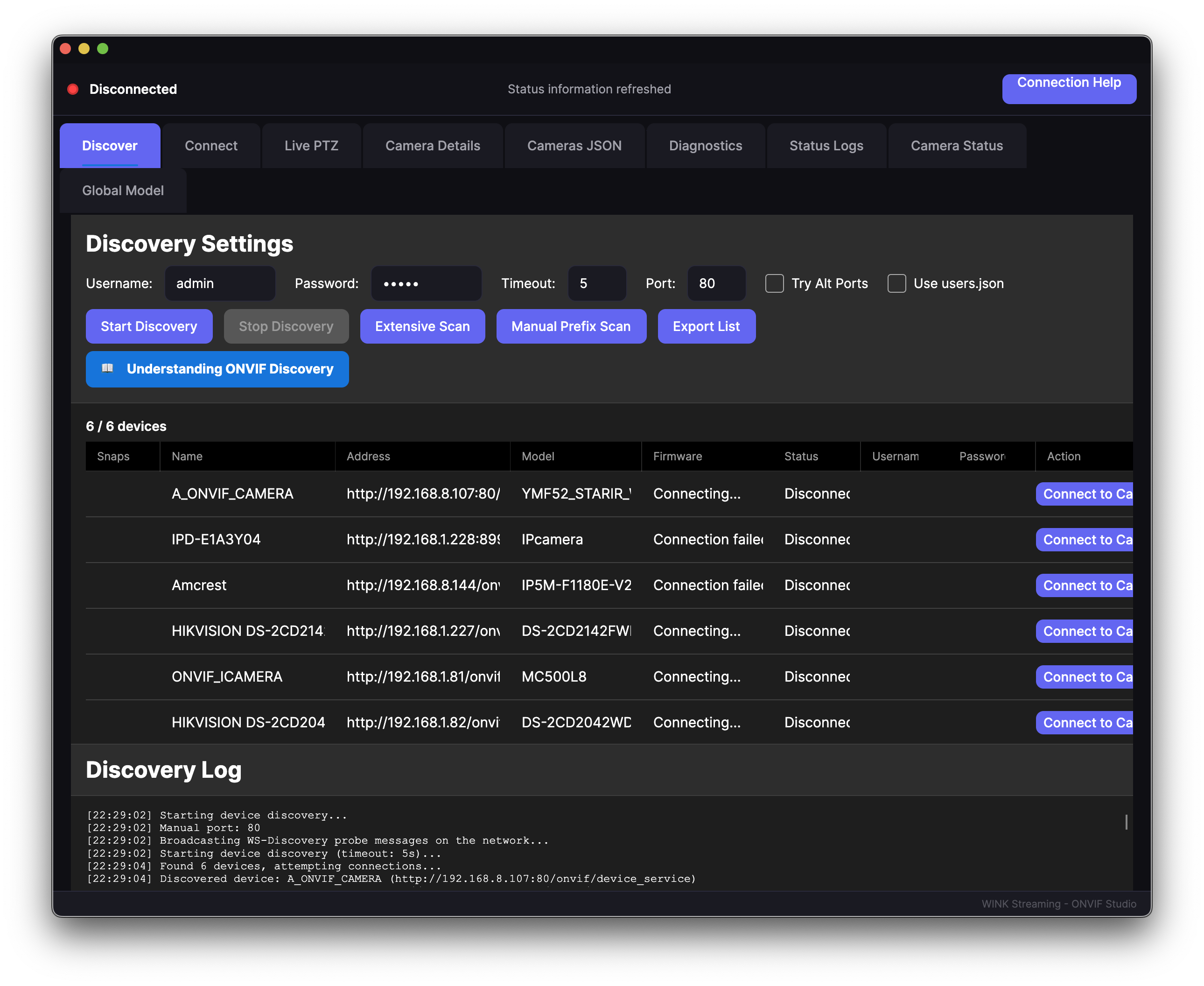
Comprehensive features designed for security professionals, system integrators, and enterprise deployments
Enterprise-grade capabilities for demanding security deployments
Explore the comprehensive features through our intuitive interface
64-bit executable
Intel x64 & Apple Silicon ARM64
Ubuntu 20.04+, Debian 11+, RHEL
Learn how to use all features with our comprehensive user manual
Self-contained executables - no runtime installation required
Full desktop application with visual interface
| Platform | Size | |
|---|---|---|
| Windows x64 | 171 MB | |
| macOS Intel | 177 MB | |
| macOS ARM64 | 171 MB | |
| Linux x64 | 171 MB |
Command-line tool for scripting - Reference
| Platform | Size | |
|---|---|---|
| Windows x64 | 48 MB | |
| macOS Intel | 48 MB | |
| macOS ARM64 | 46 MB | |
| Linux x64 | 48 MB |
sudo apt install vlc (Debian/Ubuntu) or sudo dnf install vlc (Fedora/RHEL). The CLI tool has no external dependencies.
Cross-Platform by Design: WINK Streaming provides all desktop solutions as multi-platform applications supporting Windows, macOS, and Linux. Our enterprise products (WINK Forge, Media Router) are delivered as web-based appliances - accessible from any browser on any operating system without local installation.
URL Guesser & Console Tools
Standalone command-line tool now available as separate download - Full CLI Reference
discover: Find cameras via WS-Discovery multicastscan: Actively scan IP ranges (CIDR notation)probe: Get RTSP URLs from specific camera via ONVIFguess: Guess RTSP URLs using manufacturer-specific patternsrecordings: List recordings stored on camera (Profile G)download: Get replay URI and download recordings via ffmpegtest: Batch test cameras from JSON fileAll commands support --format json for scripting integration.
Direct Recording Services
Camera Compatibility: Amcrest (full), Axis/Bosch (via auth chain), Hikvision (partial)
LibVLCSharp Integration & Native Apple Silicon Support
Auto-Update & Enhanced Monitoring
Self-Contained Deployment
Critical Authentication Fixes
Enhanced Discovery & Dark Theme
Initial Release
Example: A security company can use WINK Camera Studio to configure cameras for all their clients, but they cannot rebrand it as their own software or sell it.
ONVIF® is a registered trademark of ONVIF, Inc. WINK Streaming is not an ONVIF member and WINK Camera Studio is not an ONVIF-conformant product.